RCA connectors are everywhere. If you've looked behind a TV, a speaker system, or a DVD player, you've probably seen those red, white, and yellow ports or cables. But what happens when you want to connect one RCA cable to another? Or maybe link two devices that both have RCA ports? This guide will walk you through what RCA connectors are, how they work, and how to connect RCA to RCA without confusion.
What Is an RCA Connector, Really?

An RCA connector is a type of plug or socket used to send audio or video signals between devices. You’ll often hear them called phono connectors or AV jacks. Most RCA cables have metal tips and color-coded bands—usually red for right audio, white for left audio, and yellow for video.
The name comes from the Radio Corporation of America, which first introduced this system in the 1930s. RCA connectors are common in home entertainment setups because they're simple, reliable, and easy to match up based on color.
Understanding the Basics: Plug vs. Jack
This part trips up a lot of people. RCA connectors come in two forms:
Male connectors (plugs) – These are the ends of the cable that get inserted.
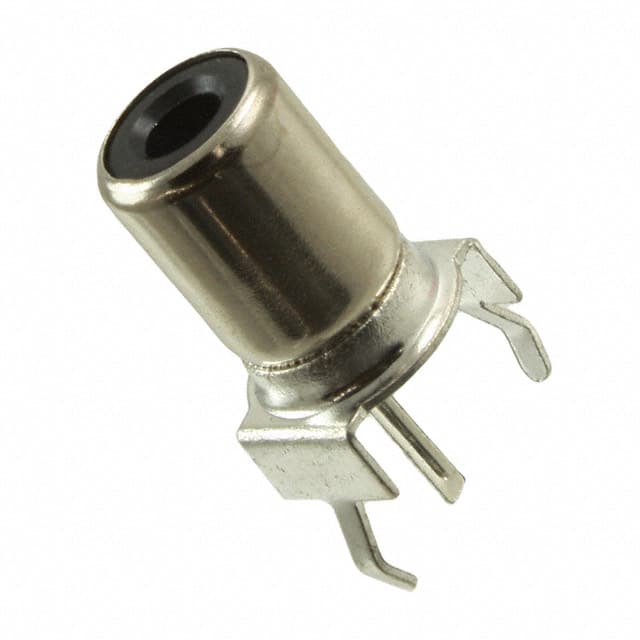
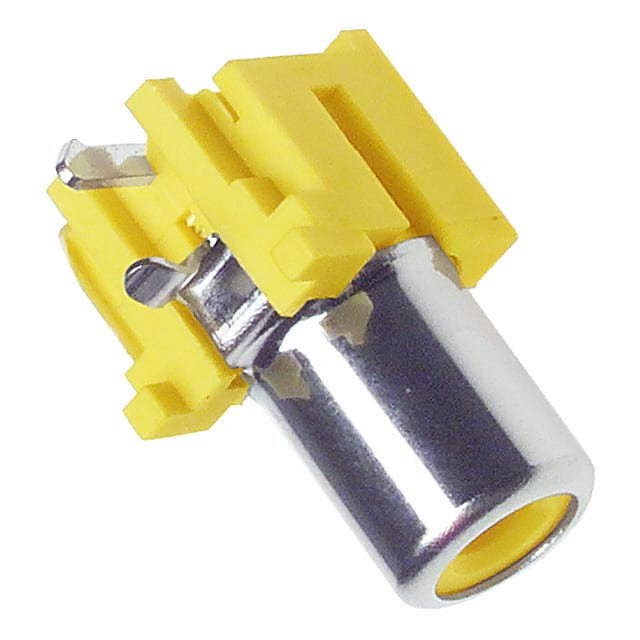
Female connectors (jacks) – These are the ports you plug into, found on devices like TVs, stereos, or receivers.
If you’re trying to hook up two RCA cables end-to-end, both cables likely have male connectors. That means you’ll need a female-to-female coupler to join them. This little adapter has two jacks and acts as a bridge between the two plugs.
Common Reasons to Connect RCA to RCA
There are a few typical situations where people need to connect RCA to RCA:
Extending the length of an audio or video cable.
Linking two audio components, like a CD player to an amplifier.
Connecting legacy gear, such as VCRs or older gaming consoles to a TV.
Combining multiple RCA outputs into a single input using a switch box or splitter (though this has limits).
No matter the situation, the idea is to send a signal from an output port on one device to an input port on another. Always make sure you're going from output to input—not the other way around—or you'll get no sound or picture.
How to Actually Connect RCA to RCA

Here’s a step-by-step method that works for most setups:
Check the connectors on both ends. Are they male or female?
If both are male, get a female-to-female RCA coupler.
Match the colors: red to red, white to white, yellow to yellow.
Push firmly but gently. RCA plugs should slide in with slight resistance. Don’t force them.
Secure the cables so they don’t come loose or get yanked.
In tight spaces, right-angle RCA connectors can help prevent bending or damage. If you're trying to hide wires behind a wall or shelf, these 90-degree plugs are a smart choice.
Do You Need an Adapter or Just a Cable?
Sometimes, you may not need a separate adapter. For example:
If you’re connecting a device with RCA output jacks to another with RCA input jacks, and both are female, you’ll need a standard RCA cable (male-to-male).
If you’re extending a cable, use a coupler between two male-ended RCA cables.
Other helpful tools include:
RCA switch boxes – for selecting between multiple sources.
Y-splitters – to send one signal to two destinations (note: this can affect signal strength).
Tips to Keep in Mind
Use decent quality cables. Cheap ones can cause static or poor signal.
Double-check labels. Most ports say “IN” or “OUT.” Don’t mix them up.
Don’t mix red and white. Left and right audio should stay in sync.
If something isn’t working, try switching the cable or checking another port.
Conclusion
Connecting RCA to RCA is simple once you understand how the connectors work. Whether you're extending a cable, hooking up old-school devices, or linking speakers, the trick is matching the right types: male to female, input to output. Use adapters when needed, and always follow the color codes.
With the right cables or couplers, you’ll have your system set up in no time—and without the guesswork.